Review user effective access
This section explains how to review a user's effective access (directly assigned and inherited permissions) on the Access tab, and how to refresh that view with Reevaluate Permissions.
-
Go to IAM application → Users. Find user in the User List (use Search in all columns if needed), or use pagination at the bottom of the list.
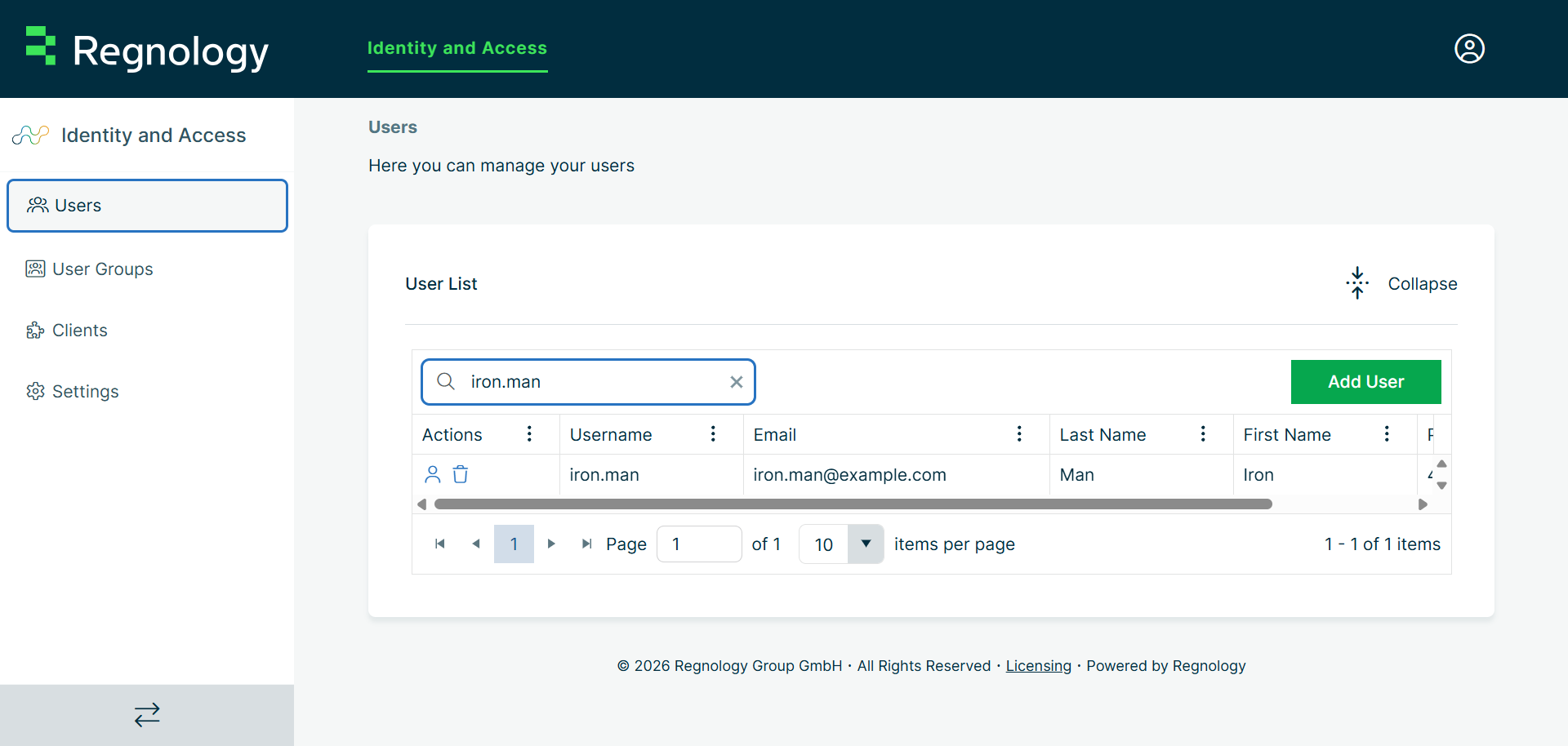
Figure 63. User List showing iron.man
-
In the Actions column for that user, click the User Details icon. Do not click the Delete (trash) icon.
-
The user Details screen opens.
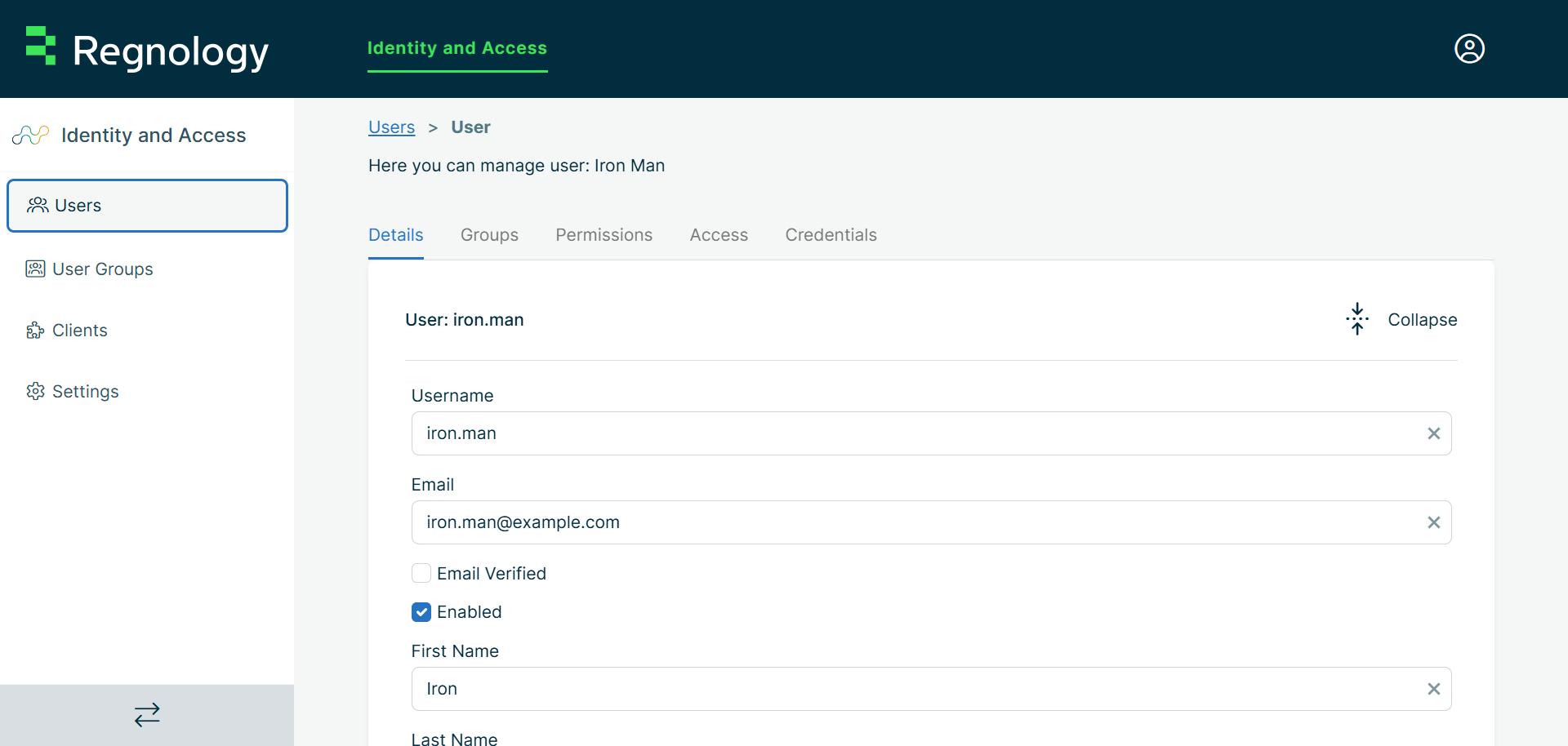
Figure 64. User Details for Iron Man
Open the Access tab
-
On the user screen, open the Access tab (next to Permissions).
-
The Access (Effective Permissions) panel opens.
-
The panel shows the user's effective permissions as JSON.
-
This view combines permissions assigned directly on the Permissions tab and permissions inherited through group membership.
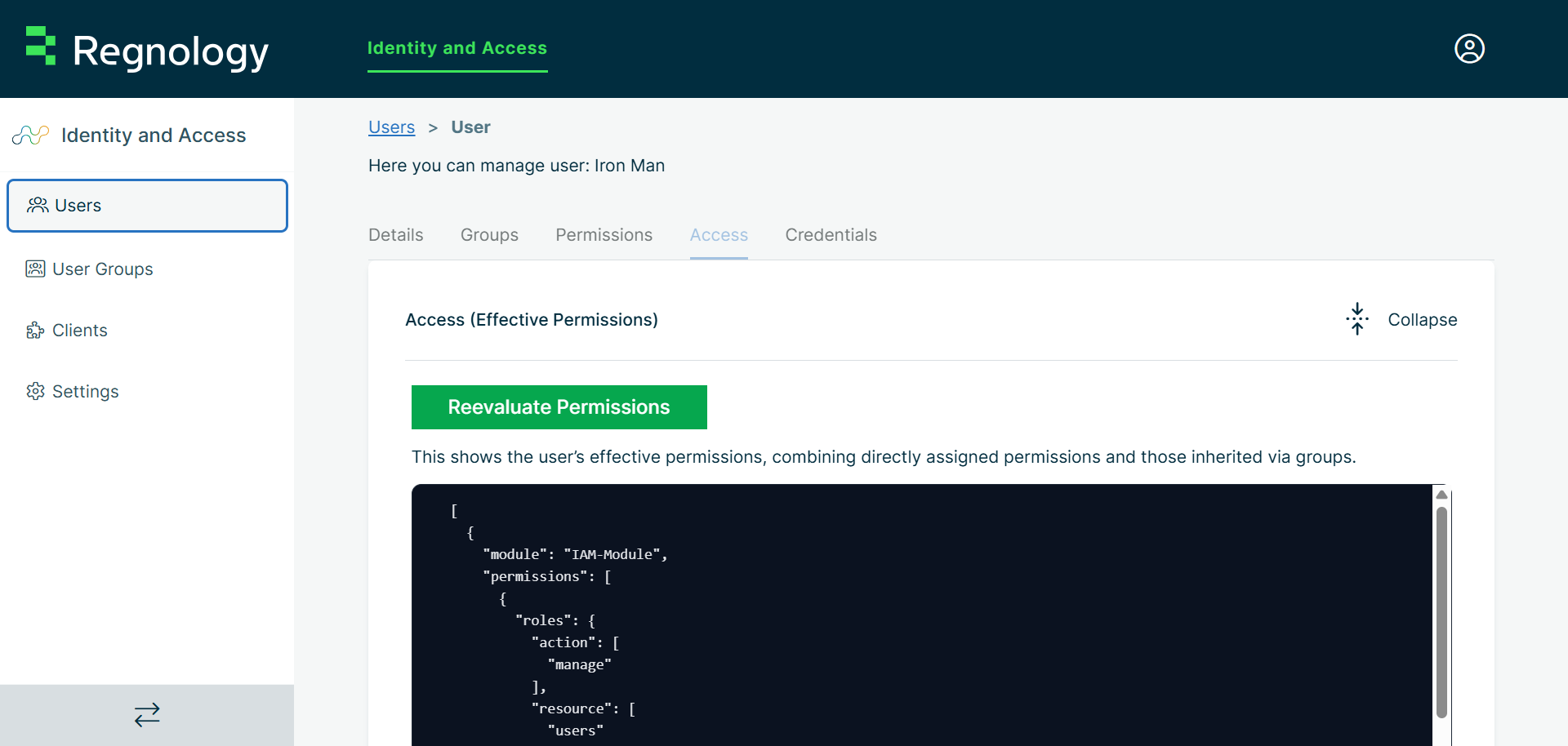
Figure 65. Access tab showing effective permissions (JSON)
Reevaluate permissions — success
-
Click Reevaluate Permissions.
-
This refreshes the effective-permissions JSON display so it reflects the latest directly assigned and inherited permissions for the user.
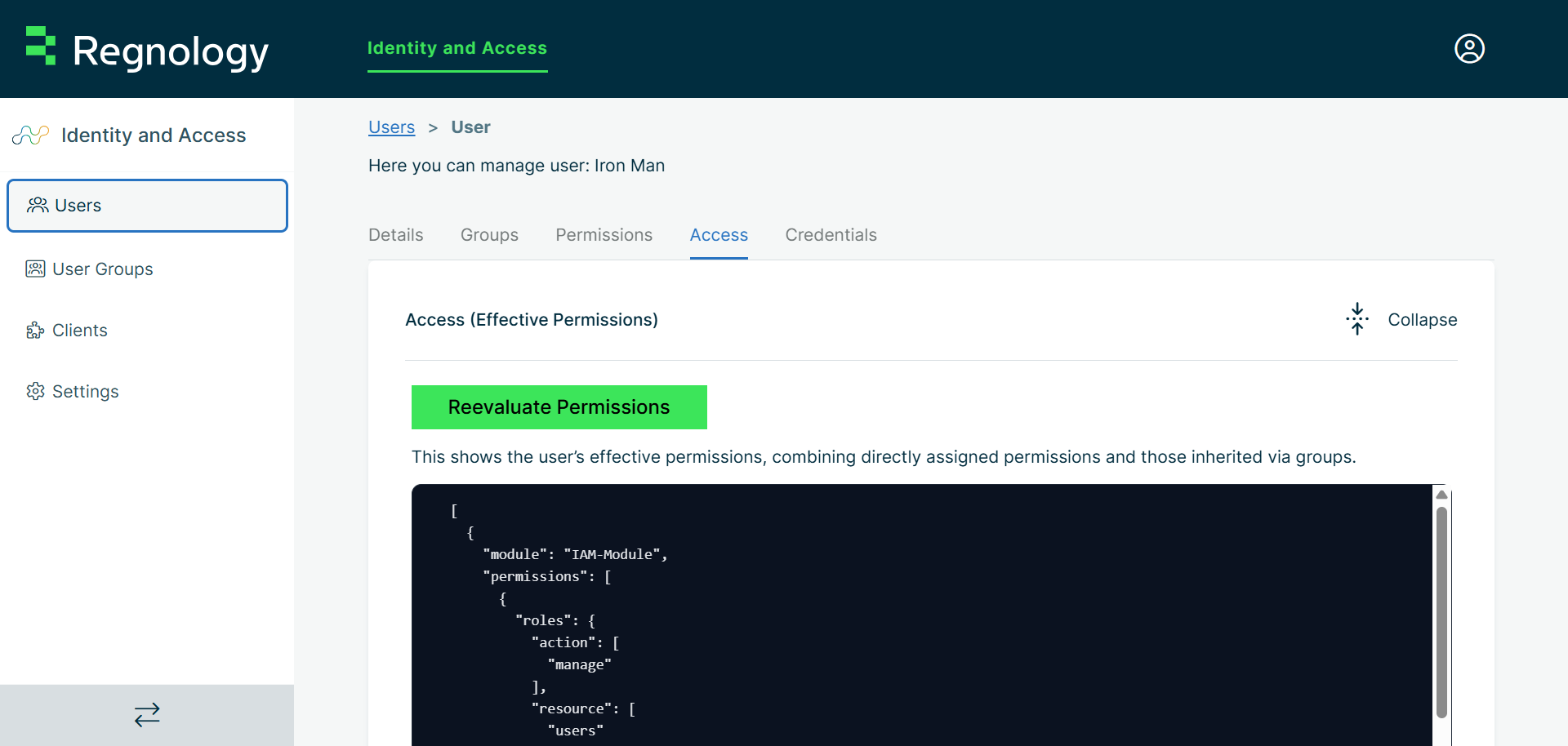
Figure 66. Access tab after reevaluating permissions