Update module context
This page explains how to update an existing module context.
Update module
-
In Module Contexts, find "test module" and click Edit for that module only.
-
The Edit dialog opens (title: Edit test module) with Module Name, Roles URL, Permissions Assigned, and PERMISSIONS JSON.
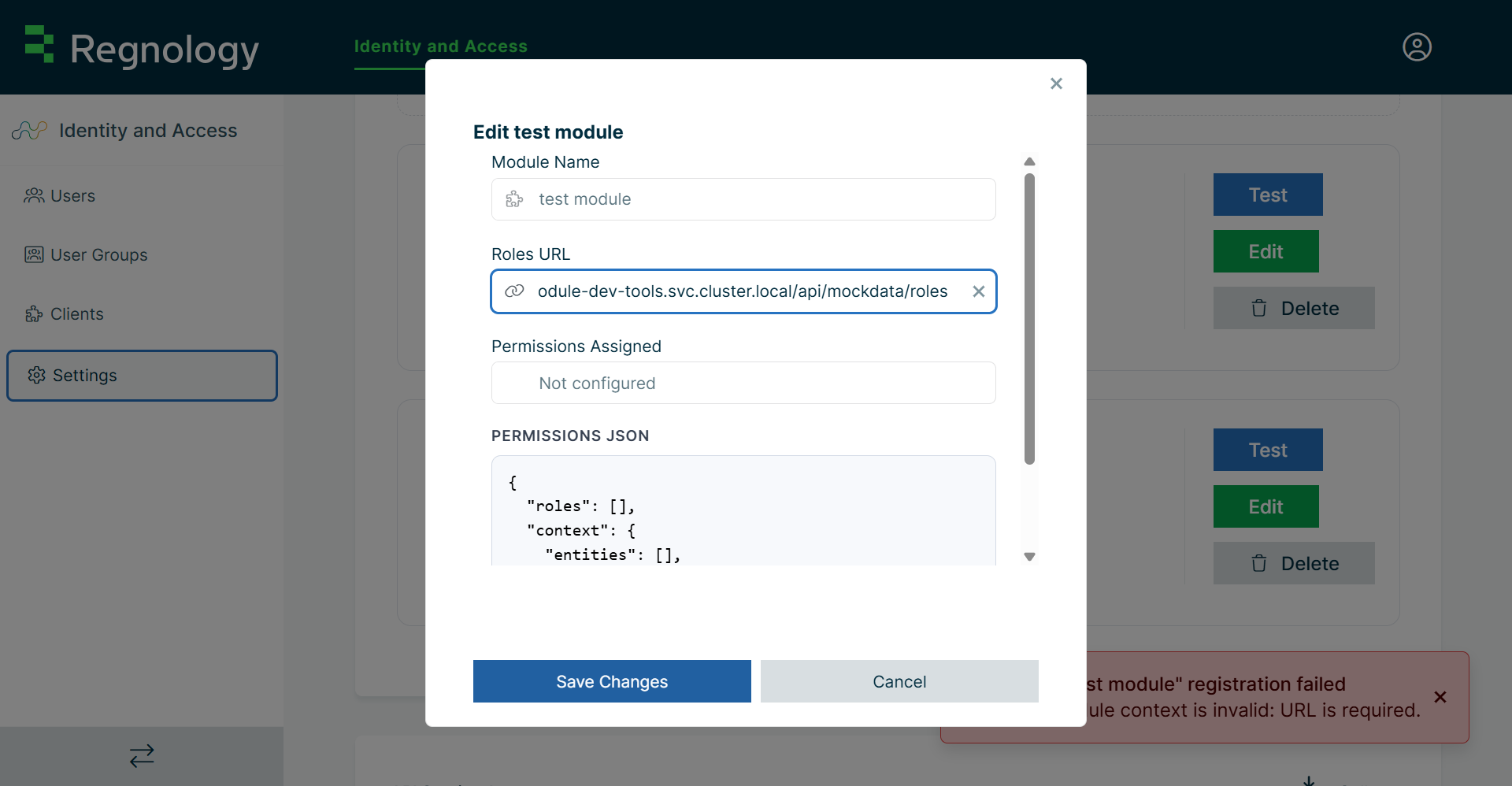
Figure 7. Edit dialog for "test module"
-
Change Roles URL to: http://integration-module-mock.iam-module-dev-tools.svc.cluster.local/api/mockdata/roles-updated
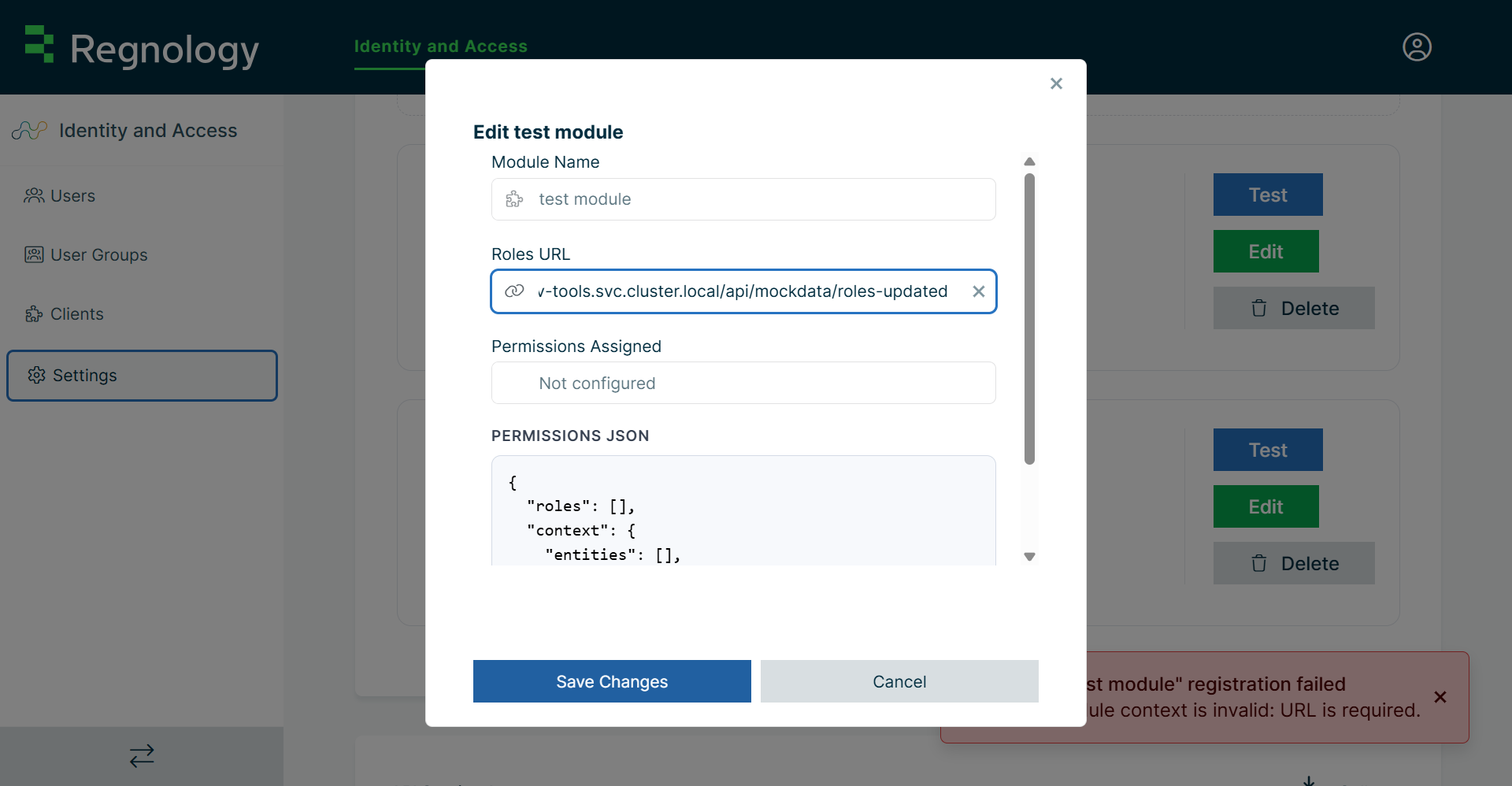
Figure 8. Roles URL updated in the Edit dialog
-
Click Save Changes.
-
Success message: Module "test module" updated
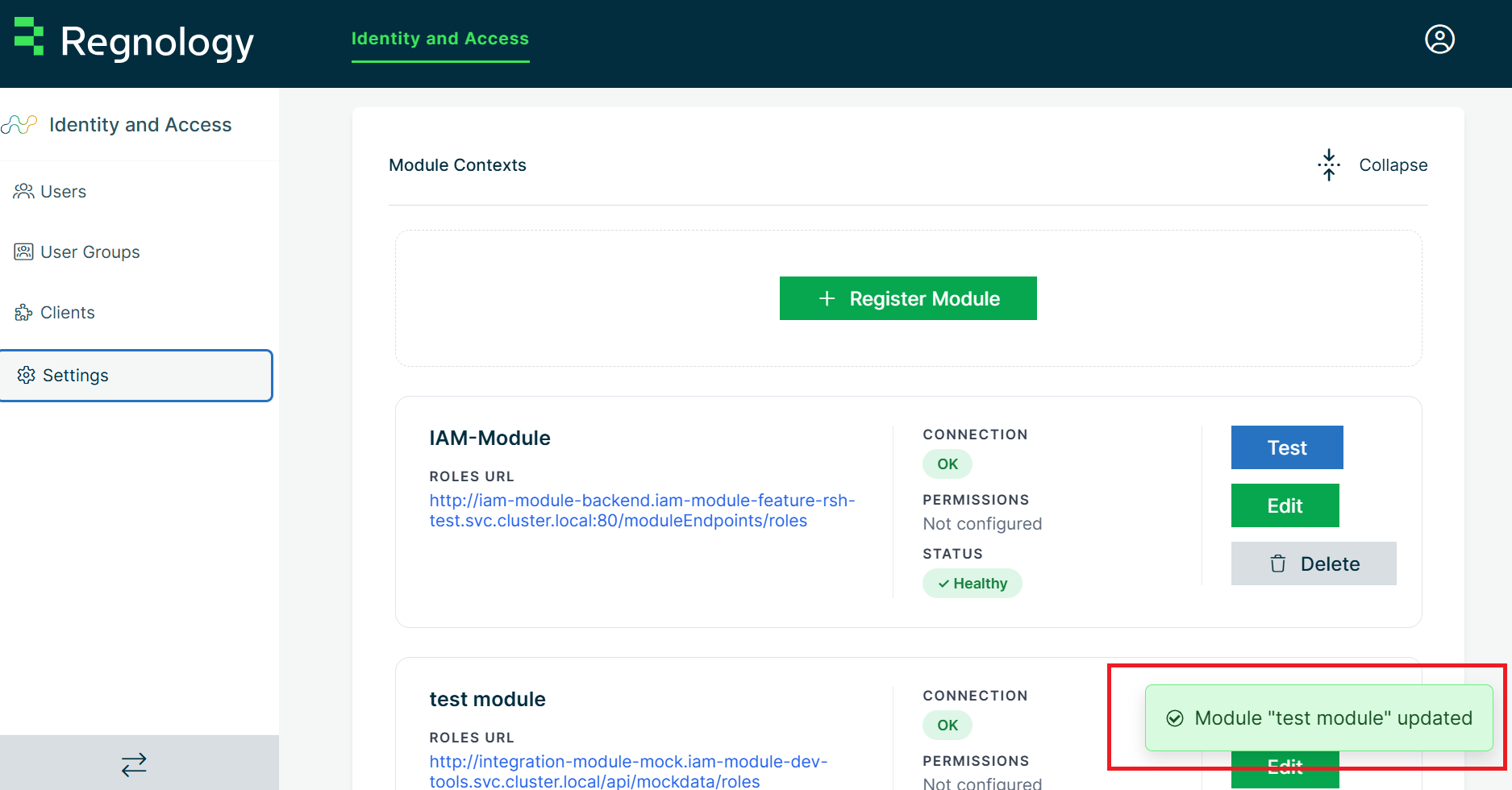
Figure 9. Success message after updating the module