Get client secret
This page explains how to reveal a client secret from the Secret tab or the Client List.
You can retrieve a client secret in two ways: from the client Secret tab, or from the Client List using the Get Secret (key) icon.
Secret tab → Get Secret
-
On the Client List, find your client and click Client Details (puzzle-piece icon).
-
Open the Secret tab.
-
The Client Secret panel shows the Get Secret button.
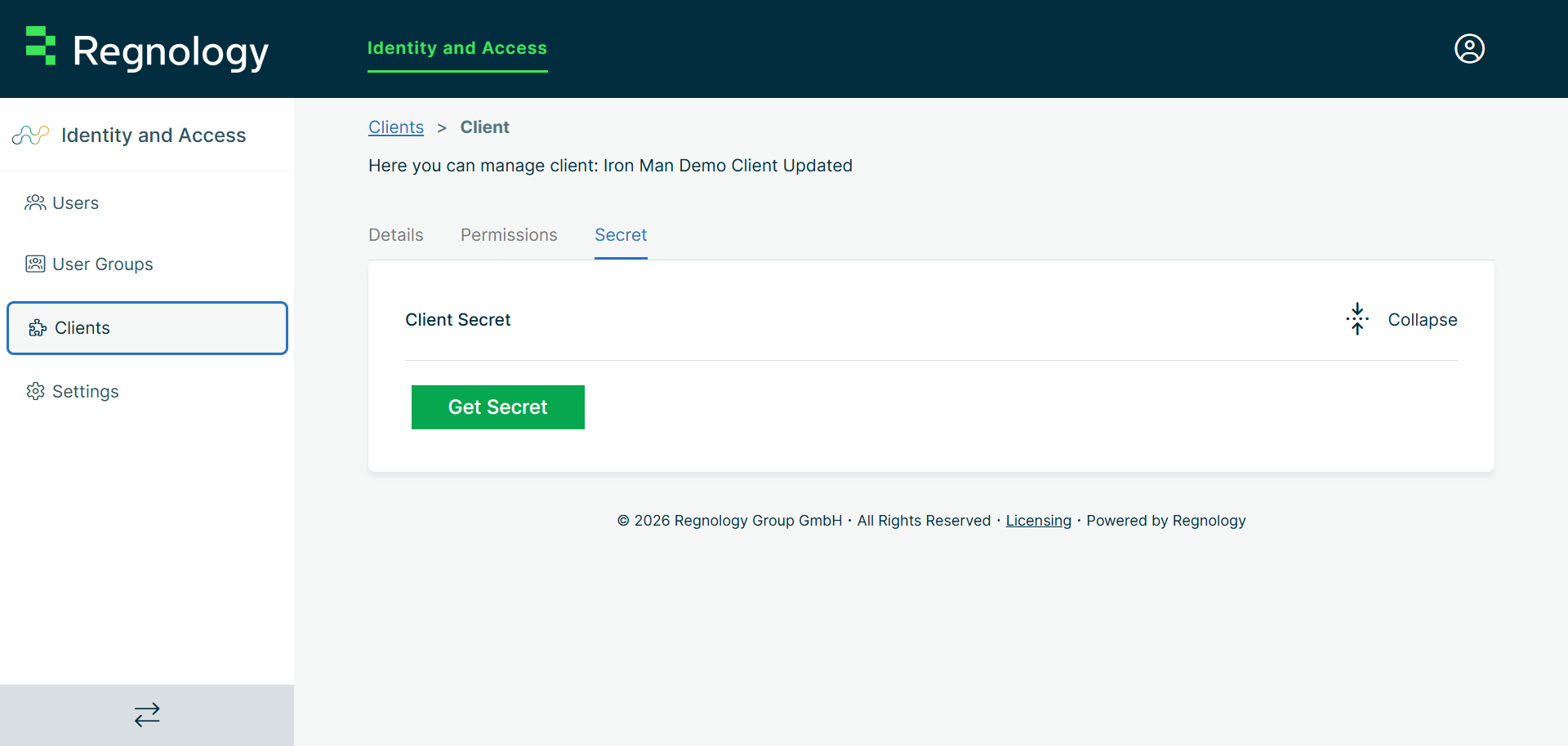
Figure 21. Client Secret tab with Get Secret
-
Click Get Secret.
-
The secret is revealed on the Secret tab, with the warning: "Keep this secret secure. It may not be shown again." (demo/test secret only — do not reuse outside this guide).
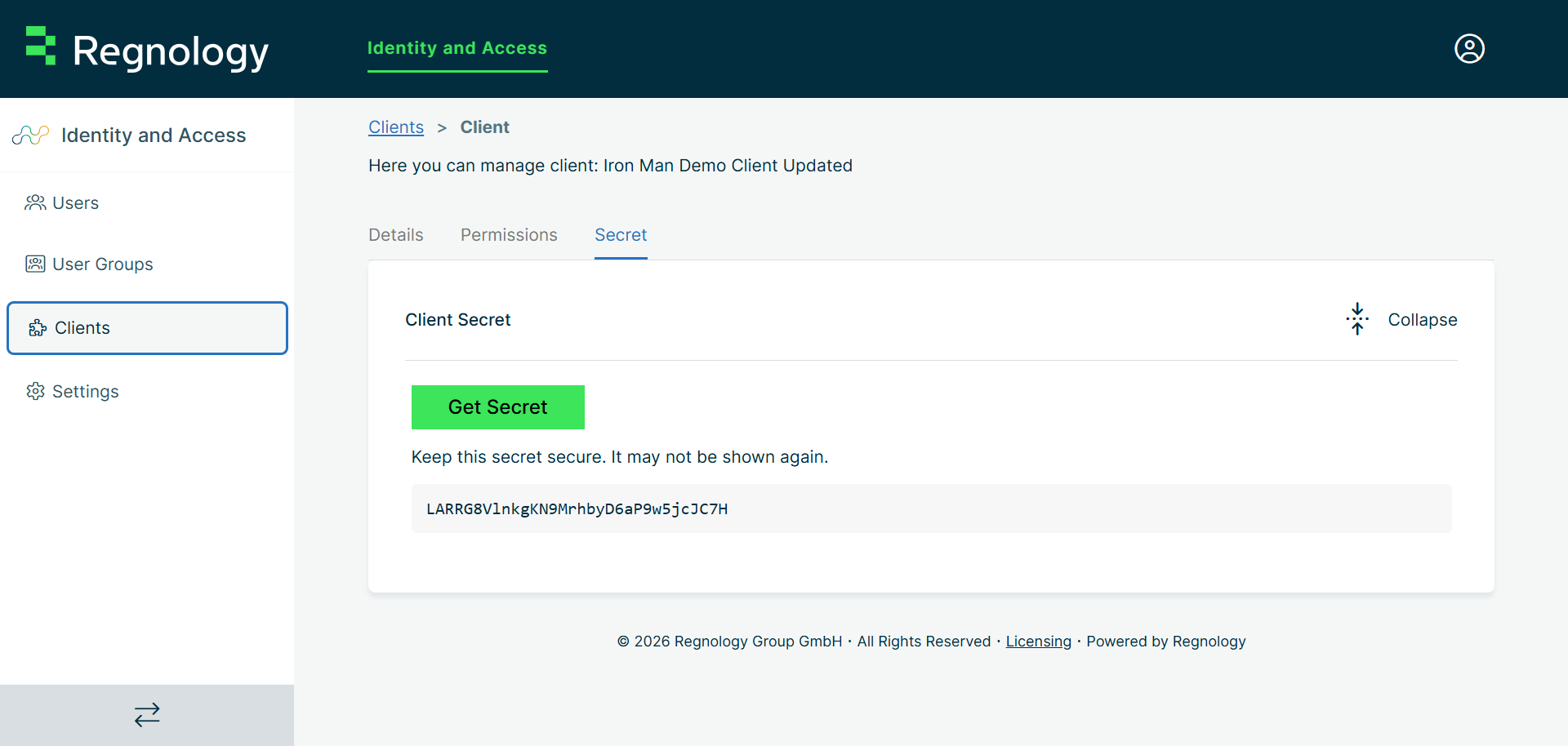
Figure 22. Client secret revealed on the Secret tab (demo)
Client List → Key icon
-
On the Client List, find your client.
-
In the Actions column for that row, click Get Secret (key icon).
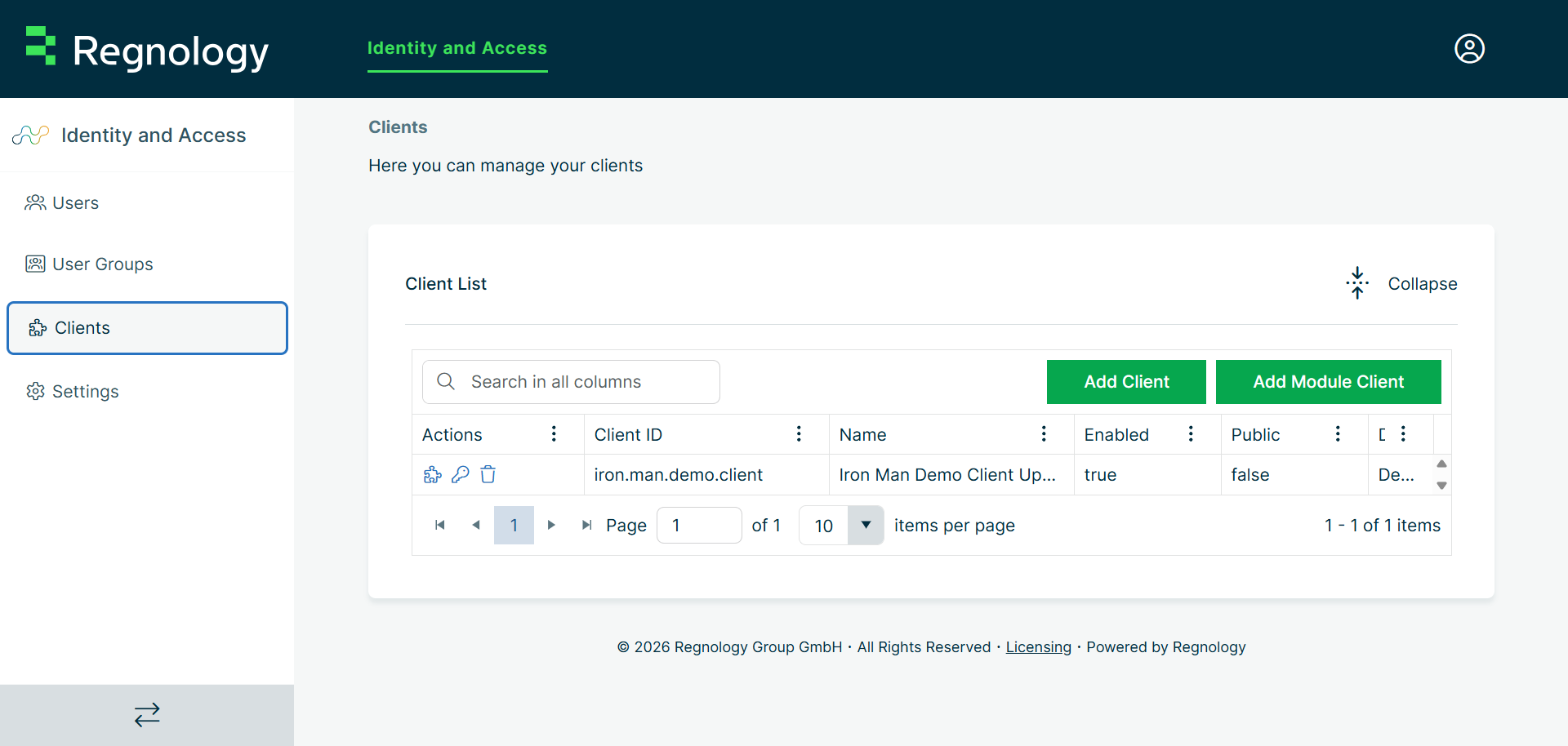
Figure 23. Client List before using Get Secret (key icon)
-
A Client Secret dialog opens showing the secret for the selected client, including the warning: "Keep this secret secure. It may not be shown again.".
-
Click Close when finished.
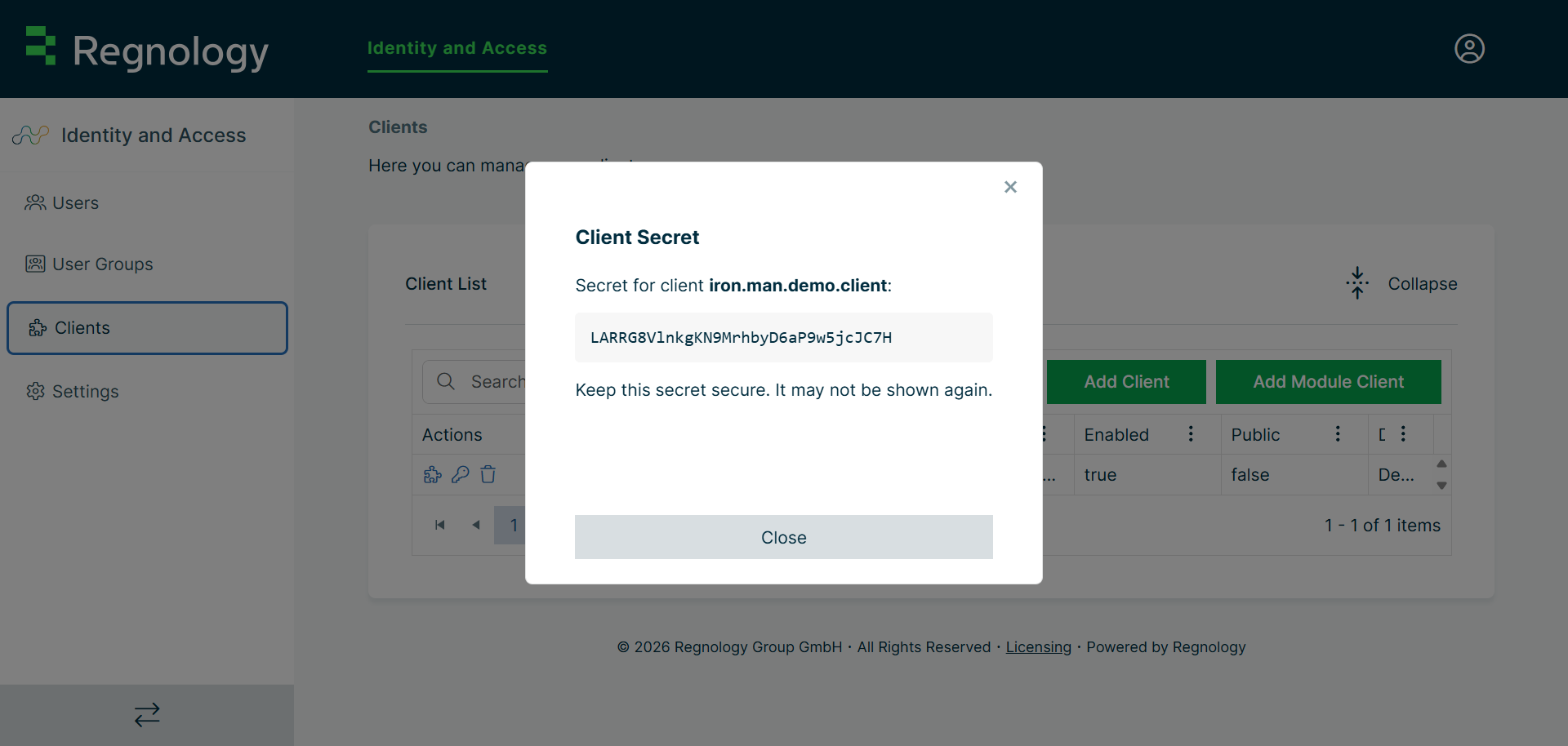
Figure 24. Client Secret dialog from the list key icon (demo)