Delete mirrored permission
This page explains how deleting a source permission also removes its mirrored permissions.
-
To remove the mirrored permission, you need to delete the source permission.
-
Click delete in the Actions column for the source permission row.
-
Click Delete in the confirmation dialog.
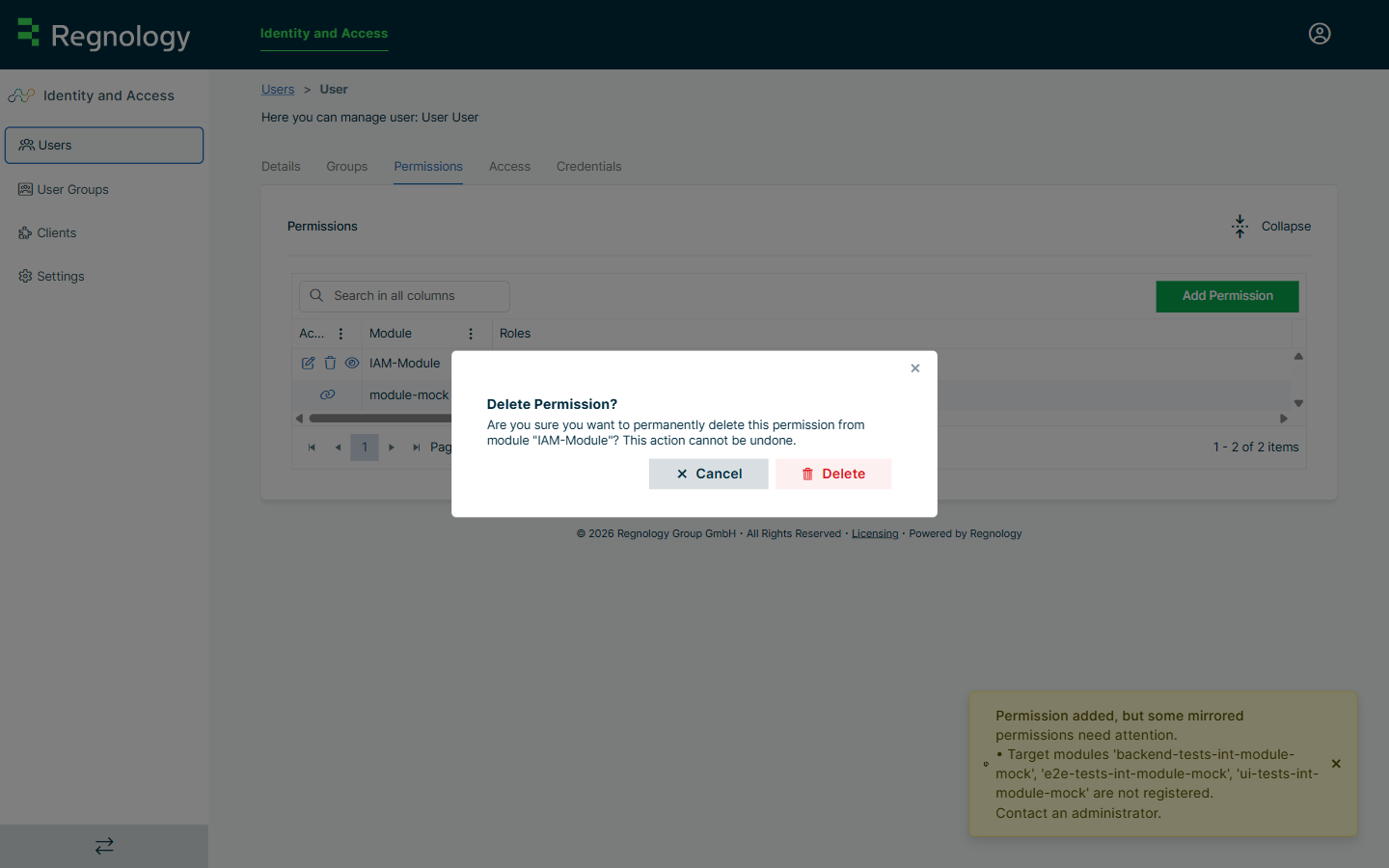
Figure 12. Delete Permission confirmation for the source permission
-
Success message: Permission deleted
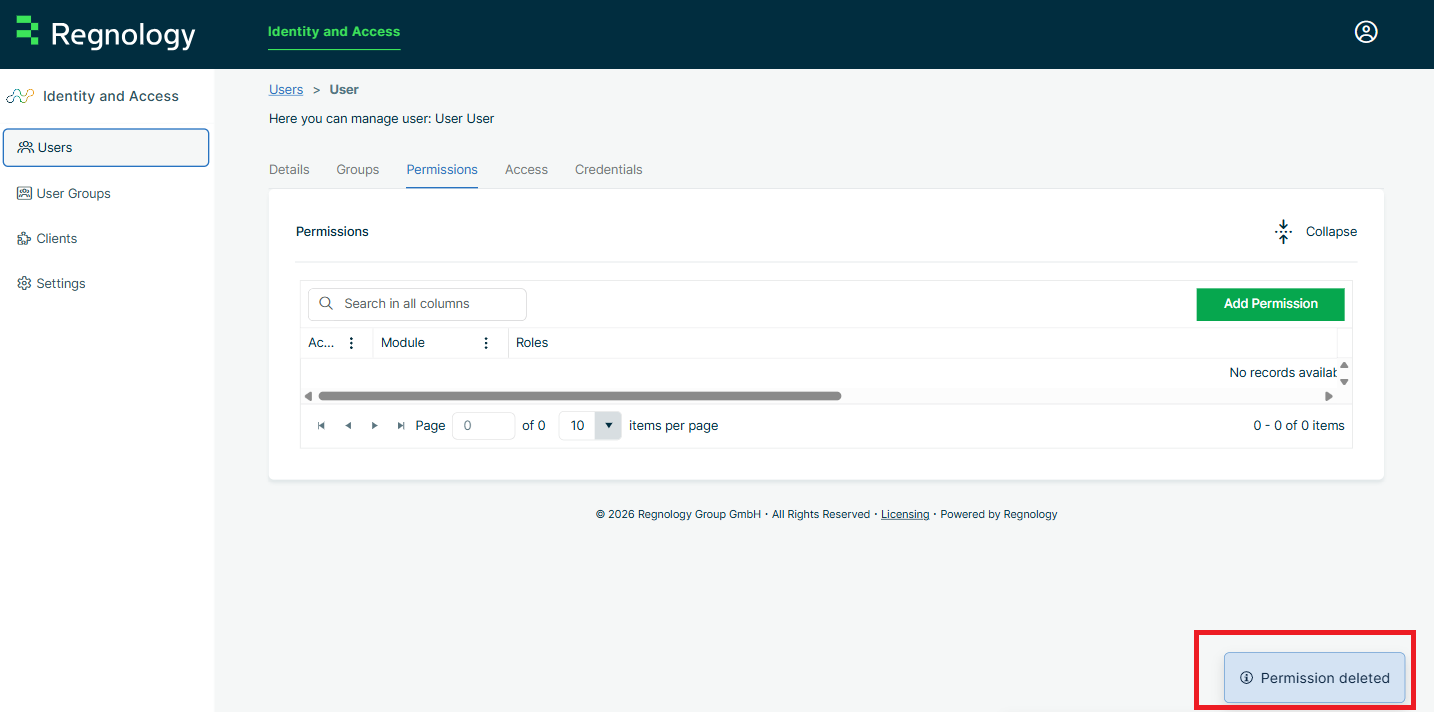
Figure 13. Success message after deleting the source permission
-
Confirm the source permission and its mirrored permission no longer appear in the Permissions list.